
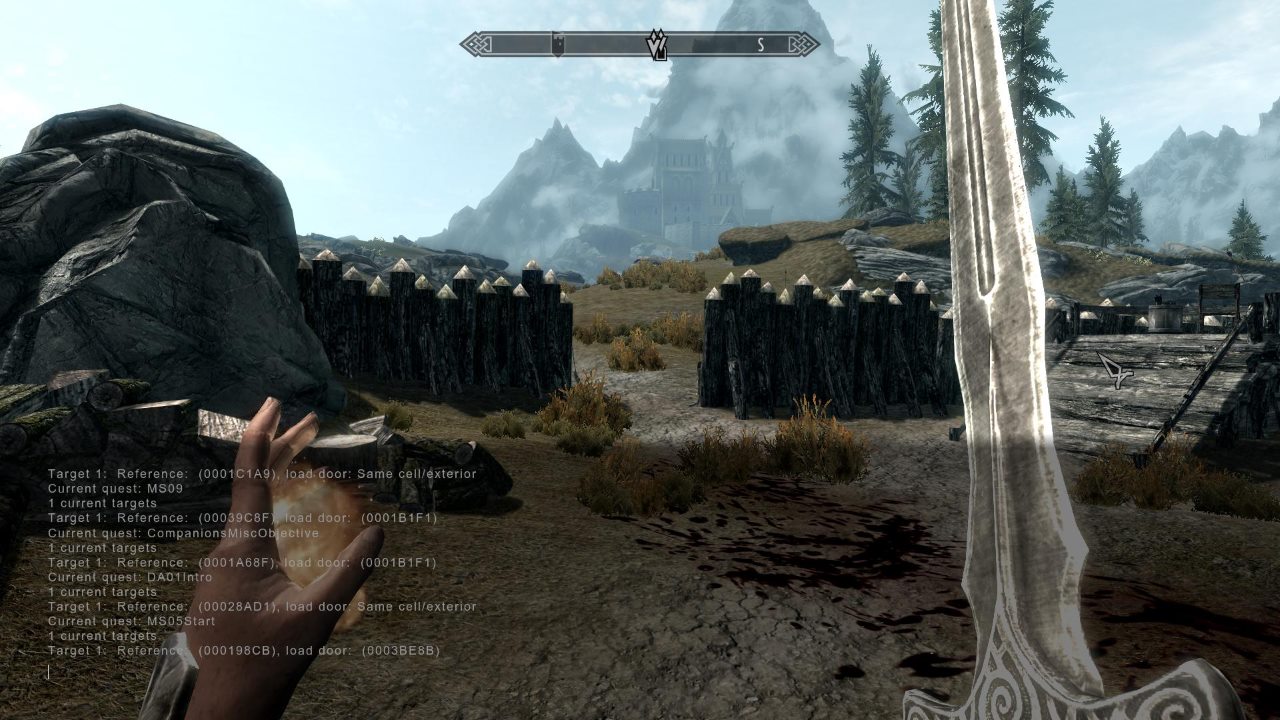
How to open the console
On PC, press the tilde key (~) to open the developer console. It's available on the standard PC release and on modded setups, but not on console versions of the game (Xbox and PlayStation don't support console commands at all).
A fair warning first
Using console commands disables achievements for that save session, and some commands can genuinely break quests or your save if used carelessly. Save a backup copy of your file before experimenting with anything beyond the basics below.
The commands people actually search for
- tgm, toggles god mode: infinite health, magicka, and stamina, plus no weight limit.
- tcl, toggles collision (noclip), lets you walk through walls and floors.
- coc [location], teleports you directly to a named location, useful for fast travel to places you haven't discovered yet.
- player.additem [item ID] [quantity], adds a specified item and amount directly to your inventory.
- player.setlevel [number], sets your character level directly.
- player.advskill [skill] [amount], adds experience to a specific skill.
- showracemenu, reopens the character creation race and appearance menu mid-game.
- resurrect, brings a targeted dead NPC back to life, useful if you accidentally killed a quest-critical character.
- setstage [quest ID] [stage number], manually advances a quest, the most reliable fix for a bugged or stuck quest.
- tfc, toggles free camera, useful for screenshots and cinematic angles.
Targeting a specific NPC or object
Click on an NPC or object in the world with the console open to select it as your target, then most commands (like resurrect, or kill) will apply directly to whatever you clicked rather than to your own character.
Want to actually play with real progression instead of console shortcuts? Our best race guide and standing stones guide cover the legitimate way to build a strong character.
Want the full game to experiment with?
Shop Skyrim →Prefer a curated experience over console tinkering? Check the best Skyrim mods to install first.